Faceless channels
Publish several times a week without filming, casting a voice or learning an editor. One character carries a whole series, so the channel looks consistent from the first upload.
Type a topic or paste your own script. Confirm the script, confirm the shots, and get a narrated vertical MP4 — one stickman style, English narration, captions included.
No drawing, no timeline, no camera. Three confirmed steps: script, shots, render — with the credit cost shown before each one runs.
Example cut · vertical 9:16 · one stickman style
Three vertical AI stickman animation examples that show the format: one line-drawn character, one idea per shot, one narrator carrying the story.
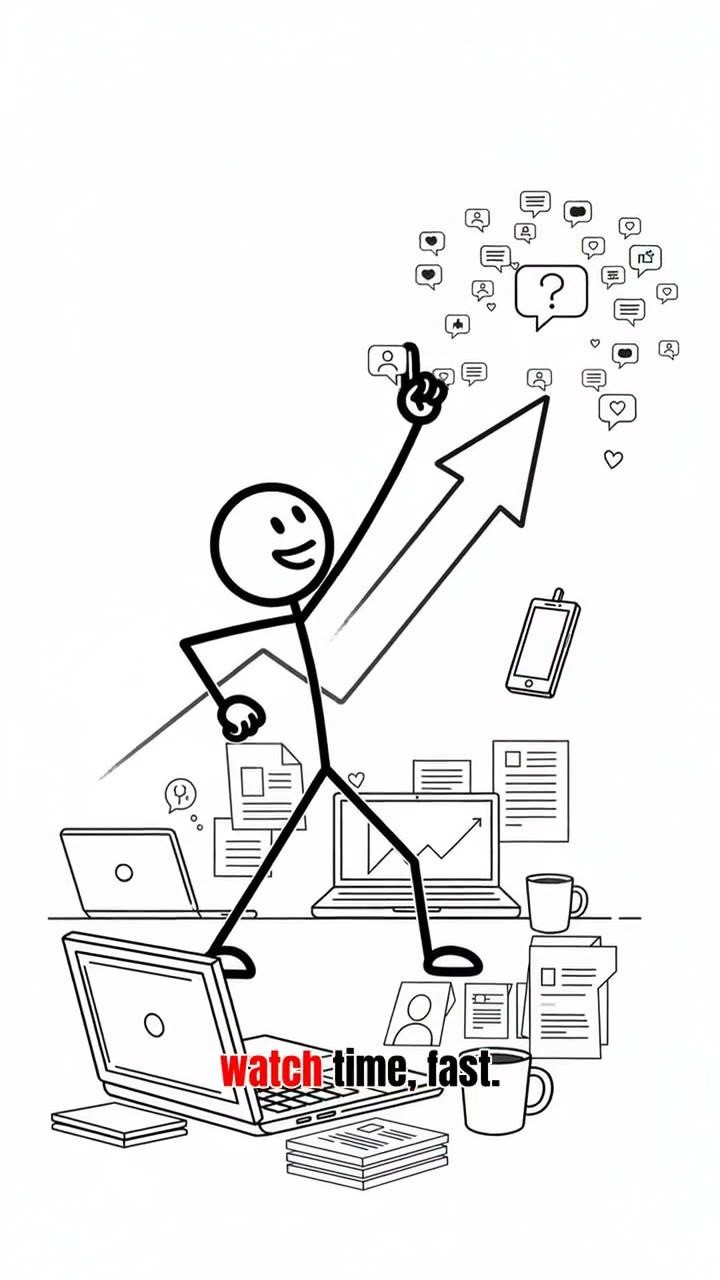
A stick figure runs from a mountain of cameras while the view counts climb behind him — one sentence per shot, no timeline editing.
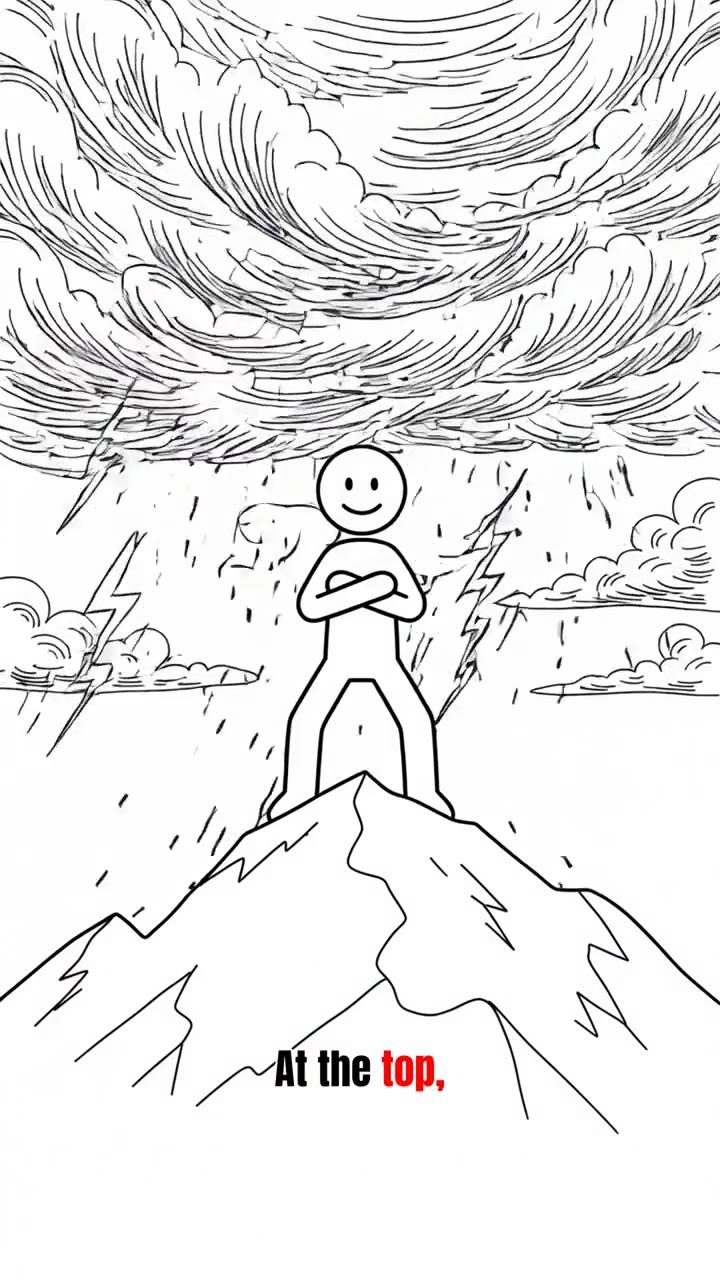
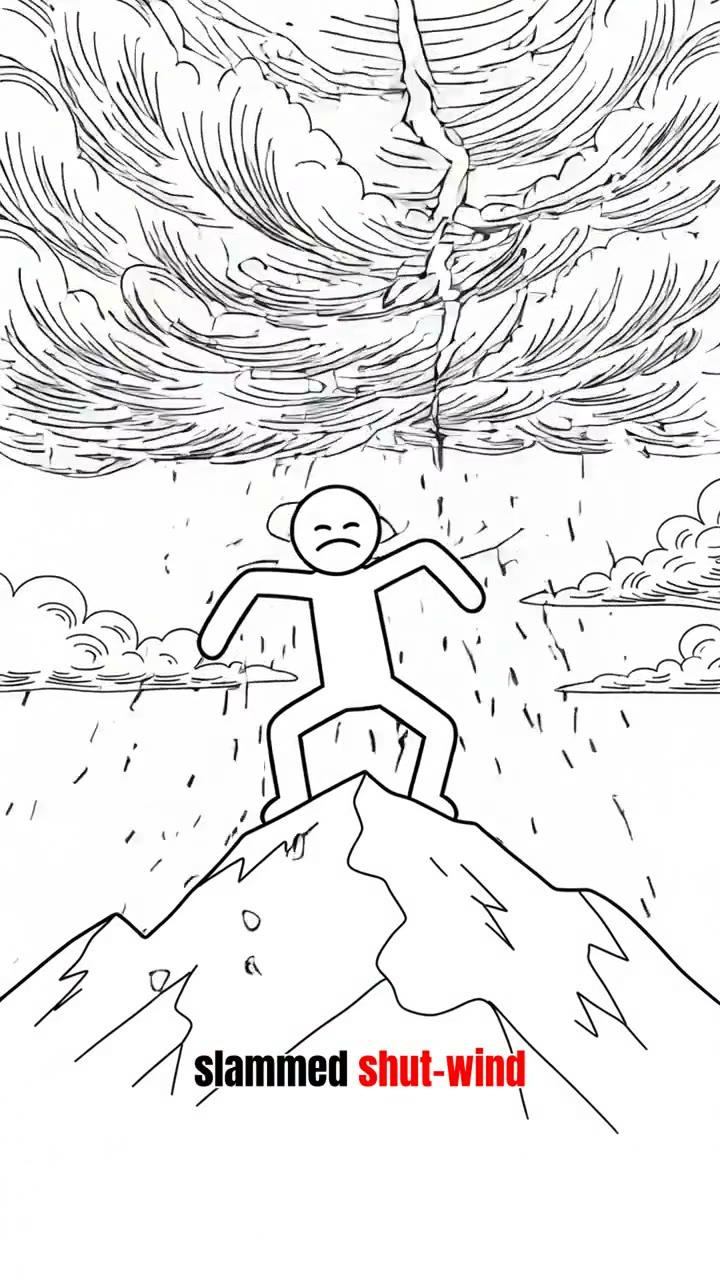
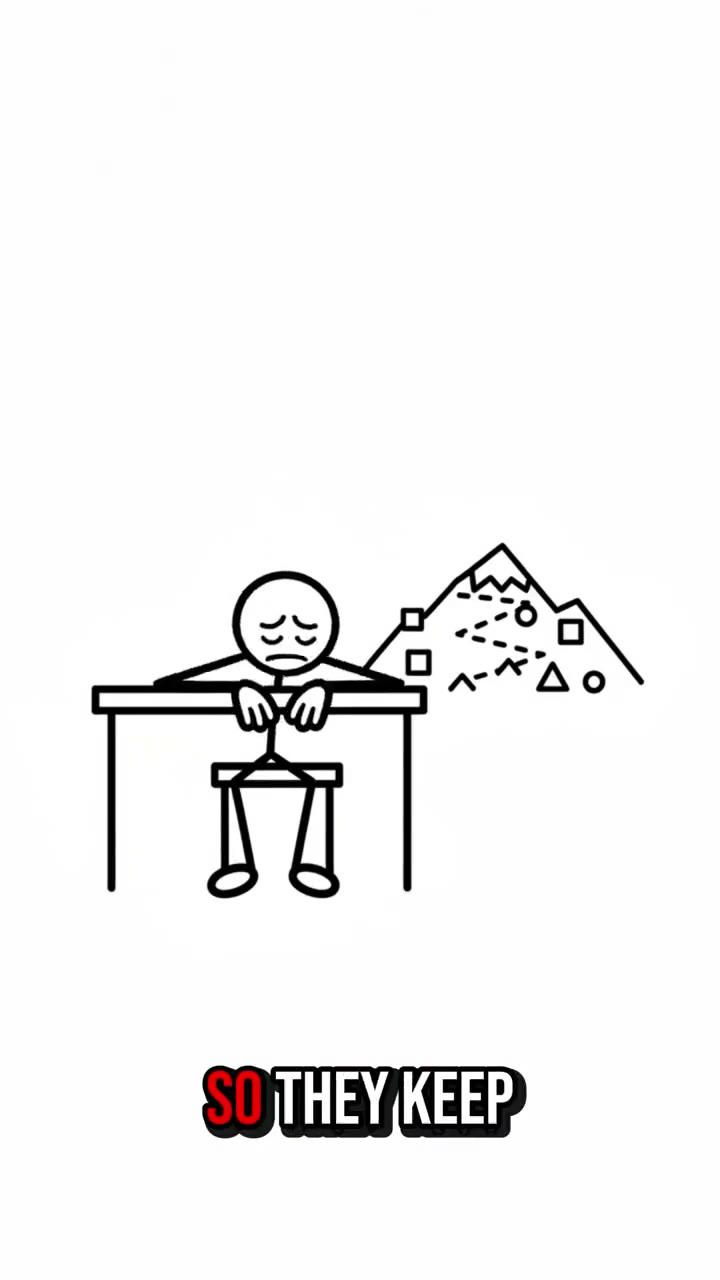
A summit, a scarf, a cairn of stones — the drawing stays simple so the last line of the script can flip the meaning.
A stick figure climbs toward a GOAL sign carrying a block. Eight beats, one character, the same look from hook to payoff.
AI stickman animation is a short narrated video where a simple line-drawn character acts out each beat of a script that the AI writes, draws and voices for you.
The format is older than the AI behind it. Hand-drawn stick figures carried whiteboard explainers and faceless YouTube channels for years because the drawing was never the point: a round head and four lines can stand in for anyone, so viewers read the idea instead of the character. What changes with AI is the labour — drawing eight shots, recording a voice, timing captions and cutting to a beat used to be an afternoon in an editor.
An AI stickman animation keeps the plain drawing and removes the hand work. You give it a topic, it writes narration built to hold attention, draws one frame per beat with the same character in every frame, voices the whole script in one take, and puts the frames on a slow camera move so a still image reads as motion. The output is a vertical MP4 you can post the same day.
StickmanGen runs that pipeline as three confirmed steps, not one opaque button. The script is generated first and stays editable: you read it, change a line, regenerate it if the hook is weak, and nothing is drawn until you accept it. The storyboard comes second, one drawn shot per beat, and a single shot can be redrawn on its own. The render is third: narration, captions, default music and the camera moves are assembled into the final file.
The format has limits worth knowing before you start. This is an explainer tool, not a frame-by-frame animator — you are not posing limbs or building a timeline, and you will not get full-body animated action scenes out of it. Phase one is deliberately narrow: English narration, 45 to 60 second vertical videos, one stickman style, and still-image camera motion rather than full animation.
AI stickman animation runs as three steps, each confirmed before it runs: an editable script, one drawn shot per storyboard frame, then narration, captions and camera motion rendered into a vertical MP4.
You type a topic and get full narration with a hook, a middle and a payoff. Editing the wording by hand is free. If you already wrote the script, it skips this step at no cost — the storyboard is split from your text instead.
One drawn frame per beat of the script. A character reference is drawn once and reused, so the stickman looks the same in shot one and shot eight. Redrawing a single frame costs the same 6 credits as the first draw, and only that frame changes.
English narration, still-image camera moves, burned-in captions, a default music bed and the MP4 assembly are one charge — voice and render are never billed separately. A 60 second video bills 12 credits at this step.
An 8-shot, 60-second explainer is 10 credits for the script, 48 for the eight frames and 12 for the render: 70 credits. On Starter that is about 14 videos a month, on Creator about 42.
Monthly only. No annual plan, no credit packs, no rollover — the monthly allowance refreshes on each paid cycle.
AI stickman animation suits anyone whose audience follows the story instead of the face: faceless channels, teachers, and explainers in history, psychology, money and health.
Publish several times a week without filming, casting a voice or learning an editor. One character carries a whole series, so the channel looks consistent from the first upload.
Turn a lesson topic into a 45 second explainer you can drop into a deck, a class or a course page. Plain figures keep the focus on the mechanism being explained.
The format rewards a hook and a payoff line. Ask why people behave a certain way or how a system works, and let the narrator do the arguing while the drawing stays out of the way.
A 45 to 60 second explainer usually lands in six to eight shots. This 21 second reference cut packs the same beats into four, one drawn frame per sentence of narration.
The frames below are taken from the reference cut at the top of this page, so you can follow what one line of narration becomes on screen.
 SHOT 01
0:00 – 0:04
A large smiling stick figure stands in front of an identical crowd. The first narration line states the claim, and nothing else on screen competes with it.
 SHOT 02
0:05 – 0:09
A figure carries a block up a staircase toward a GOAL sign. Two sentences name the stakes and open the loop the payoff will close.
 SHOT 03
0:10 – 0:14
Two small diagrams sit side by side, constant restart against slow improvement, so the argument is drawn instead of only said.
 SHOT 04
0:15 – 0:21
The frame returns to the crowd from shot one, now explained. The last line calls back to the hook so the video loops without a seam.
Write or generate the script, review and redraw the storyboard shots, then render narration, captions and camera motion into a vertical MP4.
Start from a topic or paste your own script. Read the narration, edit the wording, regenerate it if the hook does not land. Generating costs 10 credits; hand edits are free; your own script costs nothing.
Every beat becomes one drawn frame with the same stickman. Change a description or redraw a single frame at 6 credits each, and only the frames you change are billed.
Narration, captions, default music and camera moves go in as one render at 3 credits per 15 seconds. Preview it, download the MP4, and it lands in your library.
Write reactions, not states: in AI stickman animation a stick figure can show effort, surprise and defeat, but it cannot show a mood without an action to draw.
StickmanGen draws what the script says. The difference between a flat explainer and a shareable one is almost always in the first two lines, so write them before you touch the storyboard.
Pick a topic people already type into search
“Why did ancient Romans wash clothes in urine?” beats “Roman laundry habits” because the answer is a story with a reveal, and the title already matches demand.
Give every beat one visible action
“He checks the price twice” can be drawn. “He feels uncertain about money” cannot — the model has nothing to put in the frame.
Close the loop in the last line
Call back to the hook so a 45 second video feels finished instead of cut off. It also gives the payoff shot an obvious drawing.
Keep the cast to one or two figures
A stick figure has no face detail to tell characters apart, so give each one a mark that survives simplification — a scarf, a cap, a tie.
Do not script a full-body fight or dance
This build uses still-image camera motion, not full limb animation. Fast choreography is the one thing the format will not carry.
Do not stack two ideas into one shot
A frame holding a cause and a consequence reads as clutter; split it into two shots and let the narration bridge them.
Do not write past 60 seconds in phase one
Long-form is not supported yet. Eight shots and about 150 words is the shape the current pipeline renders well.
Do not rewrite the script after paying for shots
Changed beats force their frames to be redrawn. Settle the script first — it is the cheapest step and the one that decides everything after it.
Short answers on AI stickman animation cost, credits, script edits, video length, file format and what this tool does not do.
Still unsure whether a topic fits? Write to support@stickmangen.com and describe it in one line.
Credits, not per-video pricing: a 60 second, 8-shot explainer costs 70 credits — 10 for the script, 6 per frame, 3 per 15 seconds of render. Starter is $19 a month for 1,000 credits (about 14 videos); Creator is $49 a month for 3,000 credits (about 42).
No free tier of AI stickman animation in this release. Plans start at $19 a month, there is no annual plan, no credit top-up and no rollover — unused credits reset when the monthly cycle renews.
Credits are frozen before a step runs and only settle when that step delivers. A failed script, a failed frame or a render with no MP4 leaves that step unsettled, and platform retries never charge twice.
6 credits for that frame and nothing else. Frames you already paid for and did not change are reused, so a single redraw never forces a full storyboard re-bill.
Yes. AI stickman animation keeps the script editable: hand edits are free, and you can regenerate the whole script for 10 credits. Nothing is drawn until you confirm the script, which makes it the cheapest place to fix a weak hook.
AI stickman animation is a short narrated video where a line-drawn character acts out each beat of an AI-written script. The AI writes the narration, draws one frame per beat with a consistent character, voices it in English and assembles a vertical MP4.
Yes. Every AI stickman animation render includes English narration, burned-in captions, a default music bed and still-image camera motion. Voice and render are one charge, not two.
45 to 60 seconds in this release, which is 6 to 8 shots at roughly one sentence each. Long-form and multi-scene explainers are not supported yet.
A vertical 9:16 MP4 of your AI stickman animation, ready to download and post as-is. The file is assembled in the render step, so what you preview is what downloads.
The render adds captions, the default music bed and camera motion — nothing else is placed on top of the frames, and the MP4 downloads as a clean file of your own video.
Yes — it is a 9:16 vertical MP4 built for those feeds. Publishing is manual in this release: download the file and upload it to the platform yourself.
Monthly only. Credits refresh at the start of each paid cycle and do not roll over. There is no annual plan, no auto top-up and no credit pack you can buy mid-month.
No template and no editing skills. You need a topic or a script; the tool handles storyboard, voice, captions and assembly. Prompting per frame is optional — you can describe a shot in plain words when you want to redraw it.
No. AI stickman animation runs in the browser. There is nothing to install and no GPU requirement on your machine — rendering happens on our side.
Yes, and it costs nothing: your script skips the generation step and is split into shots automatically. Only the frames and the render are billed.
Yes in this release. English narration, one stickman style and 45 to 60 second vertical videos are the deliberate scope of phase one; more languages and more styles come later.
One topic in, one narrated vertical MP4 out — script, shots and render each confirmed before they run, with the credit cost shown up front.
Questions, or a topic you are unsure about? Write to support@stickmangen.com and we will tell you whether the format fits it.